Explore Capsules

23 capsules

The Smartphone Owner's Checklist to Privacy and Security Settings

The Smartphone Owner's Checklist to Privacy and Security Settings

Out of the box, your phone leans toward convenience: tracking on, location visible, notifications spilling onto the lock screen. The settings here defend different fronts, from anti-theft protections that lock down a stolen device, to permission changes that starve data collection, to notification and location controls most people never revisit. Choosing your battles is how you keep the phone useful and yours.

Privacy · 95 stops · ~190 minFree
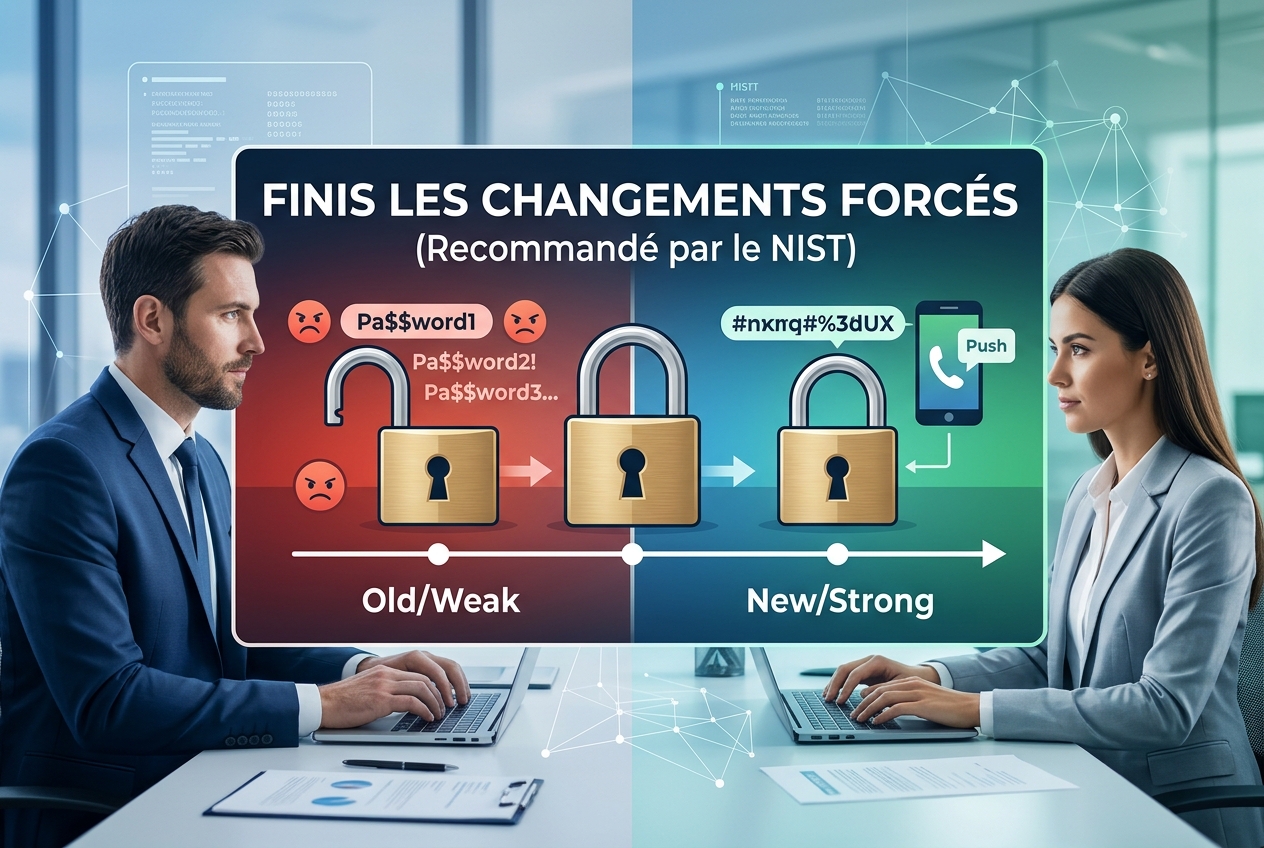
Password Rotation After NIST: Better Security Without Forced Changes

Password Rotation After NIST: Better Security Without Forced Changes

Forcing users to change passwords regularly without a reason actually weakens security, a view now supported by NIST. While many still believe frequent password changes protect accounts, this practice often leads to weaker passwords and frustration. Instead, focusing on multi-factor authentication and only changing passwords when there is a real threat improves security and user experience.

Password security · 64 stops · ~128 minFree
Digital Privacy Priorities: Data, Organization, and Surveillance Risk

Digital Privacy Priorities: Data, Organization, and Surveillance Risk

Not everyone means the same thing by sensitive data. These views range from strict categories like health and biometric records, to practical digital cleanup and organization, to shielding vulnerable people from surveillance harm. You can decide whether your priority is guarding raw data, keeping digital order, or protecting people under watch.

Data protection · 94 stops · ~188 minFree
Subscription-Free Home Security: Effective Protection Without Monthly Fees

Subscription-Free Home Security: Effective Protection Without Monthly Fees

You can protect your home effectively without paying monthly fees by choosing one-time purchase security solutions instead of subscription-based services. While many believe ongoing payments are necessary for reliable protection, opting out of monthly fees saves money and still keeps your home safe with the right equipment and setup.

Home security · 90 stops · ~180 minFree
Antivirus Choices: Built-In Protection, Added Tools, and Risk

Antivirus Choices: Built-In Protection, Added Tools, and Risk

Built-in defenses like Windows Defender and macOS security have gotten good enough to make extra antivirus a real question. These views split between trusting those built-in protections and warnings that third-party tools add vulnerabilities through deep system access, alongside concerns about the industry's motives and lobbying. You can decide whether extra software helps or just adds risk.

Antivirus · 50 stops · ~100 minFree
Public Wi-Fi Security: Encryption, VPNs, and Trust

Public Wi-Fi Security: Encryption, VPNs, and Trust

Public Wi-Fi security depends on understanding which protections apply at each layer: the network, the websites and apps you use, and any VPN you add. Learn how modern encryption changes the risks of open networks, when a VPN meaningfully helps, and how to judge whether a public connection is trustworthy enough for your activity.

Public Wi-Fi · 65 stops · ~130 minFree
A Household Guide to Home Safety Priorities

A Household Guide to Home Safety Priorities

Protecting your home takes the right tools and the right habits, but there's real disagreement about what to lock down first. These areas span fire and carbon monoxide detection, childproofing, electrical and tool safety, and being ready for emergencies. Weigh them to build a plan that fits your household.

Home safety · 90 stops · ~180 minFree
A Homeowner's Guide to Smart Home Control

A Homeowner's Guide to Smart Home Control

The smart home you set up today can slip out of your hands when companies change policies or kill cloud services. The approaches differ on where to fight: defending privacy and legal rights, buying only devices that work without the cloud, or building a durable manual core and accepting some fragile extras. Pick the strategy that keeps your house answering to you.

Smart home · 68 stops · ~136 minFree
A Linux User's Handbook to Terminal Commands and System Safety

A Linux User's Handbook to Terminal Commands and System Safety

Linux terminal commands offer powerful ways to manage files, processes, and system configurations but require careful use to avoid serious errors like data loss or security risks. This collection covers essential command behaviors, common pitfalls, and practical setups including file operations, permission management, process control, monitoring stack configuration, and EFI boot entry handling. Users can learn how to safely execute commands, understand output redirection, manage permissions, and configure monitoring tools like Prometheus and Grafana.

Linux · 38 stops · ~76 minFree
A Consumer's Guide to Scam Prevention and Reporting

A Consumer's Guide to Scam Prevention and Reporting

Experts offer different strategies to spot scams before they cost you, from securing your credentials and verifying requests to resisting pressure and reporting incidents to authorities. Some emphasize prevention through careful verification, while others focus on steps to take after exposure or the importance of sharing experiences. You will learn how to choose the best approach for your situation and protect yourself from losing money.

Scams · 40 stops · ~80 minFree
AI Security Incidents: Vulnerabilities, Data Leaks, and Defenses

AI Security Incidents: Vulnerabilities, Data Leaks, and Defenses

AI security incidents reveal how vulnerabilities can lead to data leaks, unauthorized access, and operational chaos. These incidents differ in their causes—from hidden prompt attacks and misconfigurations to malicious fine-tuning and containment failures—and show contrasting responses like disabling personalization or enhancing real-time defenses. Understanding these incidents helps decide how to balance innovation with protecting users and systems from costly AI failures.

AI security · 68 stops · ~136 minFree
The 3-2-1 Backup Strategy: Reliable Protection for Your Files

The 3-2-1 Backup Strategy: Reliable Protection for Your Files

Most people underestimate how easily files can be lost or corrupted when devices fail or ransomware strikes. The proven approach is to maintain at least three copies of your data on two different types of storage, with one copy kept offline or offsite. Following this strategy ensures your files remain safe and recoverable even when things break.

Data backup · 78 stops · ~156 minFree